
Find the corner
Bent words
Follow a word in a straight line to the turning square, then keep going in the new direction. You can also tap the start, the corner and the end.
Read the rules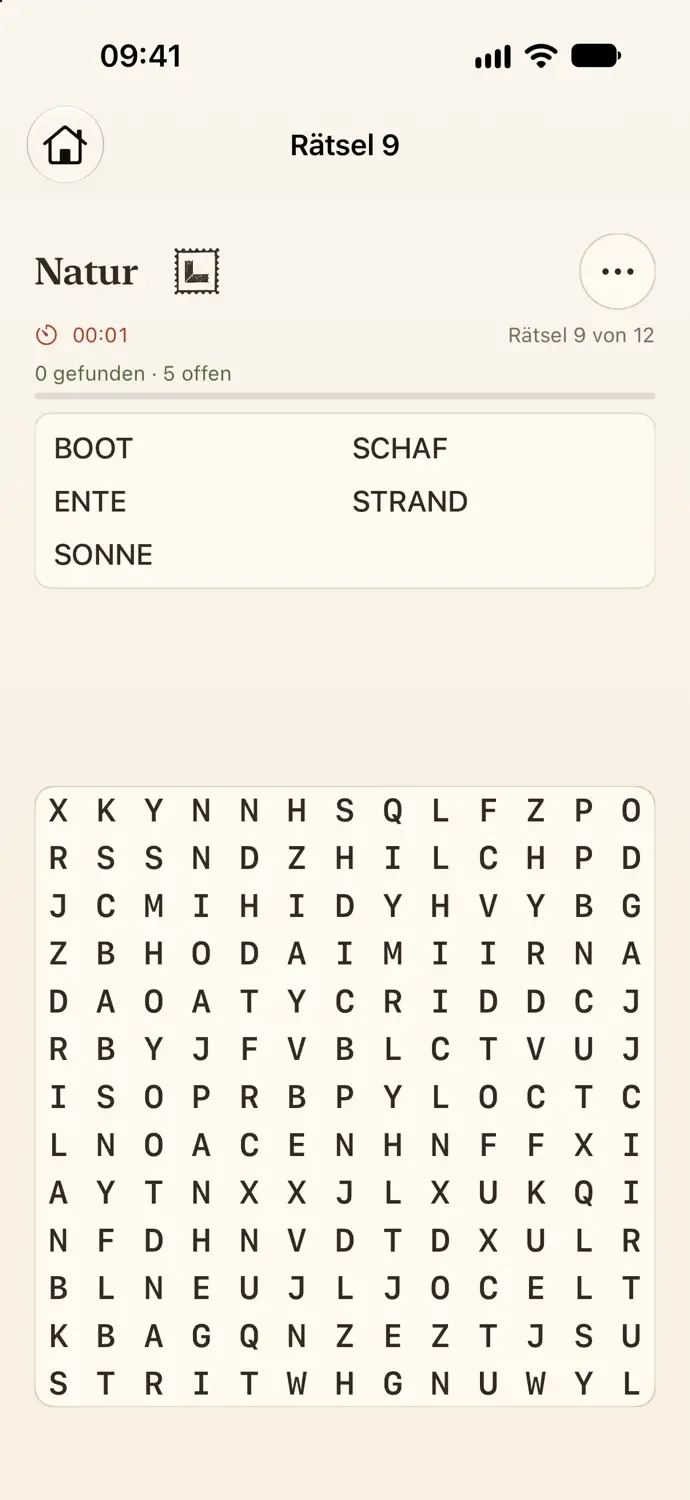
Start with familiar words, decode letters and numbers, or look for a translation. The idea stays familiar: find the listed words in one straight line.
Try it in your browser ↗Follow a corner, build a trail or spot every occurrence of a word.
Follow a word in a straight line to the turning square, then keep going in the new direction. You can also tap the start, the corner and the end.
Read the rulesStart on the marked square and spell the first word by visiting neighbouring cells. Keep the same trail going through the next words until you reach the goal.
Read the rules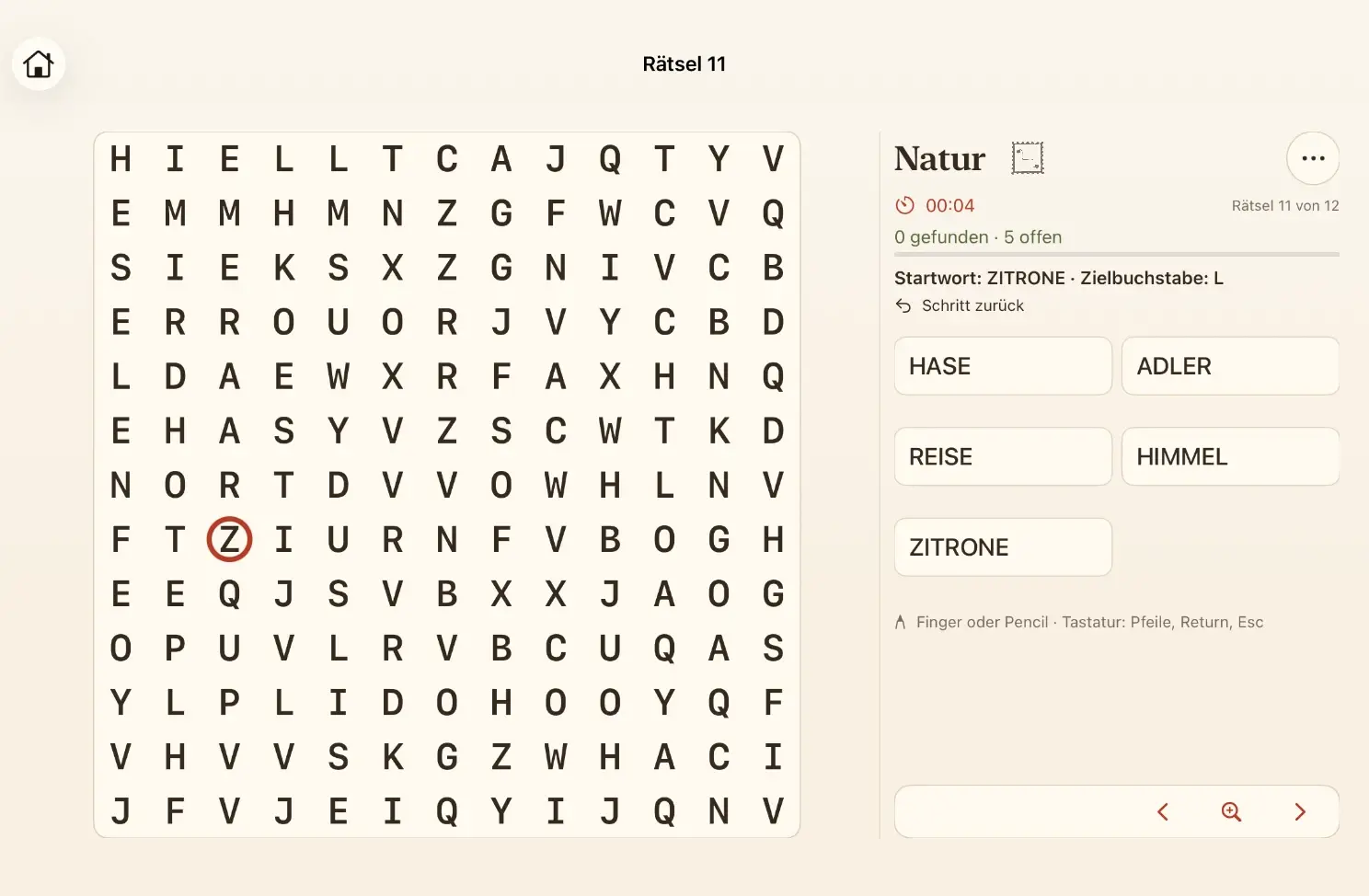
Look for the same word more than once. Mark every place it appears in the grid, then enter the total to check your answer.
Read the rules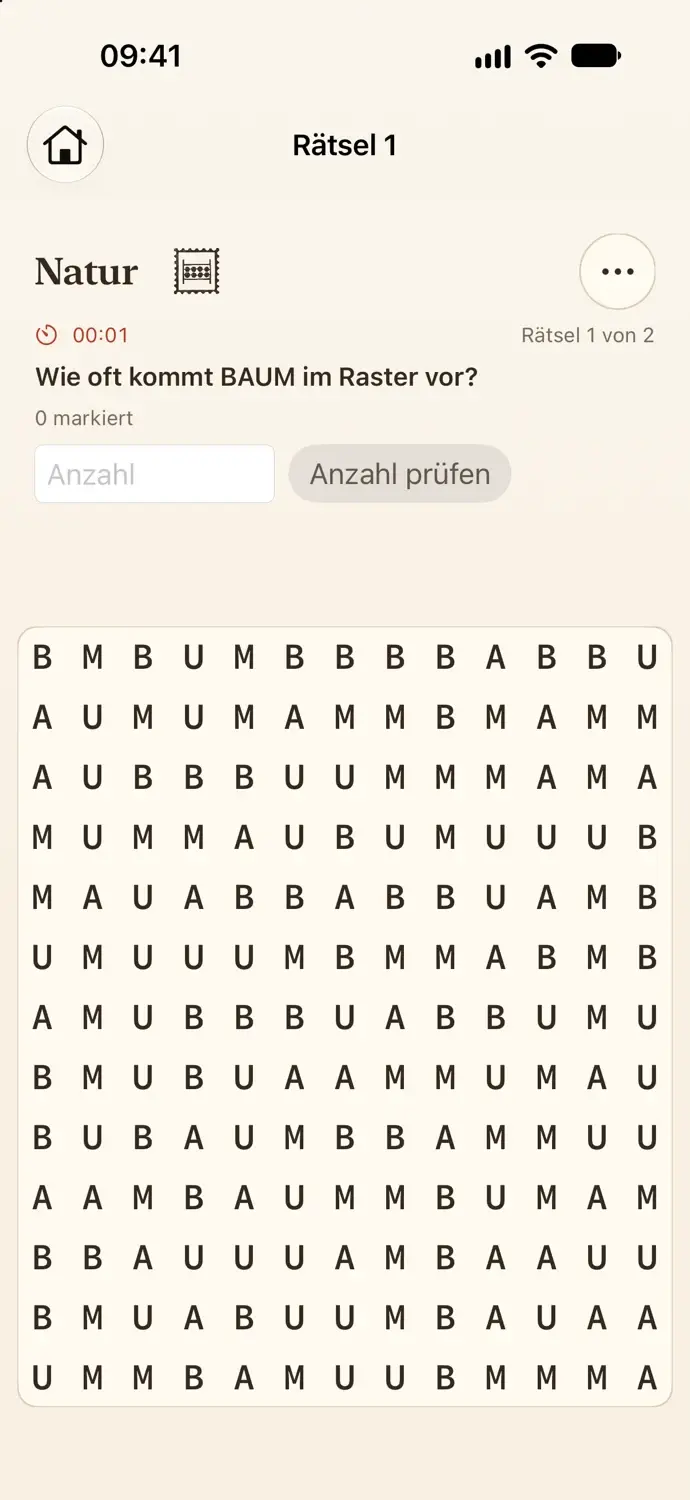
The list tells you what to find. Mark a word from its first letter to its last. On a computer, drag or click both endpoints. On a touchscreen, drag or tap the endpoints. Arrow keys move focus; Enter selects an endpoint.
In mixed mode, some numbers stand for letters. The list shows both the readable word and its grid form. SALTO, for example, becomes 54L70. You still look for one continuous straight line.
Choose a clue language and a different search language. The list contains clues; the grid contains their translations. Once you find an answer, it appears beside the clue. The browser preview supports German, English and Spanish.
Difficulty sets the grid size and the number of words. All three levels can include words in all eight directions. The smaller grid offers a manageable starting point.
“New puzzle” keeps your active settings and creates a new grid with a fresh word selection. Recently used answers are remembered within the open game page. Moving to another theme page starts its settings afresh.
Vocabulary from the Sopaletra app: Wiktionary contributors; Wikidata contributors; extraction: Kaikki.org / Wiktextract; editorial selection: Sopaletra. CC-BY-SA-4.0.